Midjourney v7: The AI Image Generator That Redefined Creative Possibility
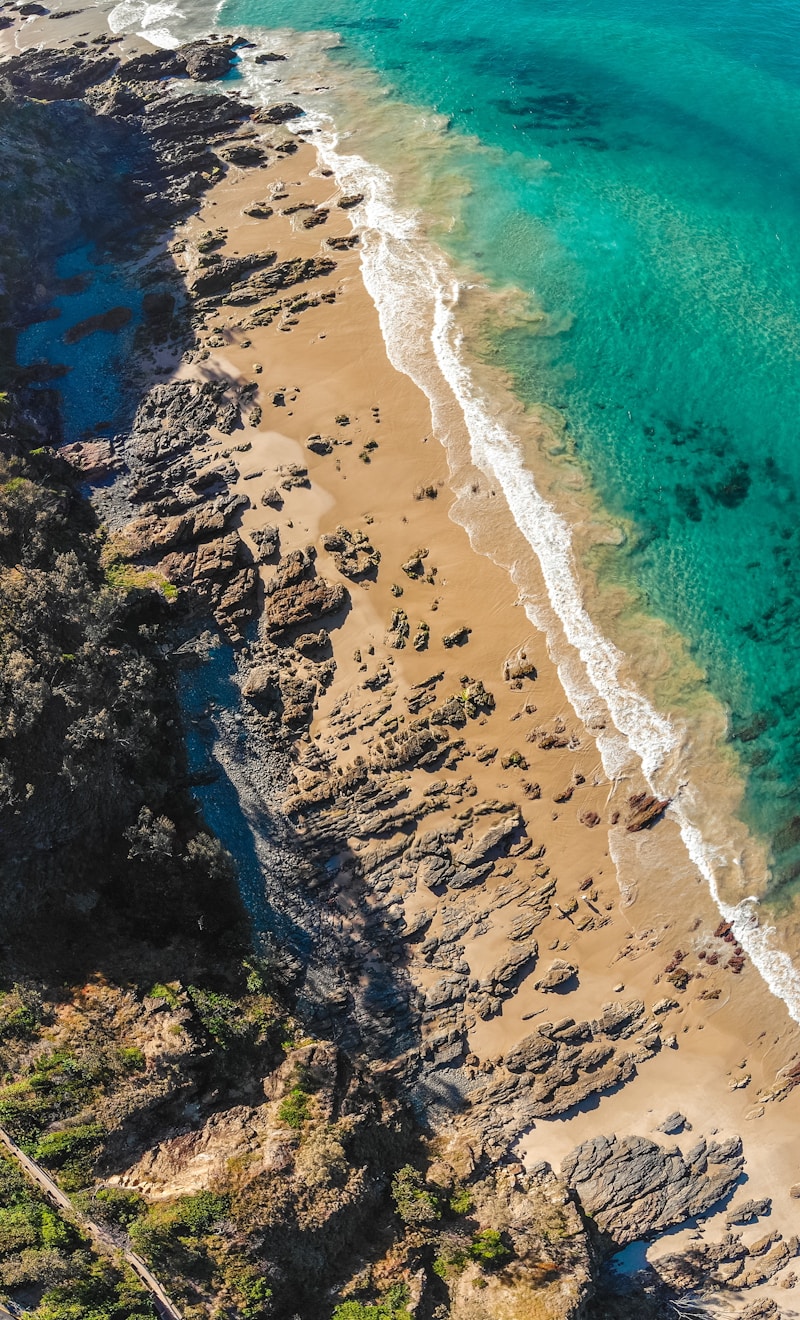
Since its launch, Midjourney has been at the forefront of the AI image generation revolution. With Midjourney v7, the platform has reached new heights of photorealism, artistic coherence, and creative flexibility. It’s no longer just a novelty — it’s a professional-grade creative tool used by designers, artists, marketers, and filmmakers worldwide.
Whether you’re creating concept art, marketing materials, social media content, or fine art prints, Midjourney v7 delivers stunning results with minimal prompting effort.
What’s New in v7?
Midjourney v7 represents a significant leap forward from previous versions:
- Enhanced photorealism — Near-indistinguishable from photography for people, landscapes, and objects
- Improved text rendering — Text in images is finally legible and accurate
- Better prompt adherence — The model follows complex, detailed prompts with greater fidelity
- Consistent character generation — Maintain character appearance across multiple images
- Personalization system — Train Midjourney on your aesthetic preferences
- Higher coherence — Complex scenes with multiple subjects are more cohesive
How to Access Midjourney
Midjourney is primarily accessed through:
- Discord — Join the Midjourney server and use the
/imaginecommand - Web app — midjourney.com with a full gallery and prompt interface
- API — For developers building applications (requires approved access)
Prompt Crafting 101
The quality of your output depends heavily on your prompts. Here’s a framework that consistently produces great results:
/imagine [subject] [style] [lighting] [mood] [technical specs]
Example:
/imagine A serene Japanese tea garden at dusk,
soft golden hour lighting, mist rising from the water,
Studio Ghibli style, 8K, ultra detailed, cinematic --ar 16:9 --v 7
Key Parameters
| Parameter | Usage | Example |
|---|---|---|
--ar |
Aspect ratio | --ar 16:9, --ar 1:1 |
--v |
Version | --v 7 |
--style raw |
Less opinionated | More photographic |
--cref |
Character reference | Use existing character |
--sref |
Style reference | Apply visual style |
--chaos |
Variation (0-100) | Higher = more varied |
--quality |
Detail level (0.25-2) | Higher = more detail |
Professional Use Cases
Marketing & Advertising
Generate custom hero images, product mockups, and social media content without expensive photo shoots. Brands use Midjourney to create consistent visual identities at scale.
Concept Art & Game Design
Game studios and film productions use Midjourney to rapidly prototype environments, characters, and art direction — compressing weeks of work into hours.
Architecture & Interior Design
Generate photorealistic visualizations of spaces and structures before a single brick is laid. Present concepts to clients with stunning clarity.
Book Covers & Editorial
Publishers and authors use Midjourney for book cover designs, illustrations, and editorial graphics at a fraction of traditional design costs.
Midjourney vs. DALL-E 3 vs. Stable Diffusion
| Feature | Midjourney v7 | DALL-E 3 | Stable Diffusion XL |
|---|---|---|---|
| Image quality | ⭐⭐⭐⭐⭐ | ⭐⭐⭐⭐ | ⭐⭐⭐⭐ |
| Ease of use | ⭐⭐⭐⭐⭐ | ⭐⭐⭐⭐⭐ | ⭐⭐⭐ |
| Photorealism | Exceptional | Very Good | Good |
| Artistic styles | Unmatched | Good | Excellent |
| Local/free option | ❌ | ❌ | ✅ |
| API access | Limited | ✅ | ✅ |
| Commercial license | ✅ (paid) | ✅ | ✅ |
Pricing (2026)
- Basic — $10/month, ~200 images/month (GPU hours)
- Standard — $30/month, 15 GPU hours, unlimited relaxed mode
- Pro — $60/month, 30 GPU hours, stealth mode (private images)
- Mega — $120/month, 60 GPU hours, fastest generation
Tips for Getting Professional Results
-
Reference artists: Include artistic references like “in the style of Edward Hopper” or “like a Pixar concept painting”
-
Lighting is everything: Specify lighting precisely — “dramatic side lighting,” “soft diffused light,” “golden hour”
-
Use negative prompts: Add
--no blurry, low quality, watermarkto avoid common issues -
Iterate with variations: Use the V1-V4 buttons to explore variations of a good result
-
Use
--creffor consistency: If you need the same character across multiple images, use character reference URLs -
Study the community: The Midjourney Discord and web gallery are goldmines of prompt inspiration
The Bottom Line
Midjourney v7 isn’t just the best AI image generator — it’s a creative tool that democratizes visual art at the highest level. What once required years of artistic training or expensive professional shoots can now be achieved in seconds with the right prompt.
For designers, marketers, artists, and anyone who communicates visually, Midjourney v7 is an indispensable addition to the creative toolkit in 2026.
Start creating at midjourney.com — no Discord required for the web app.